
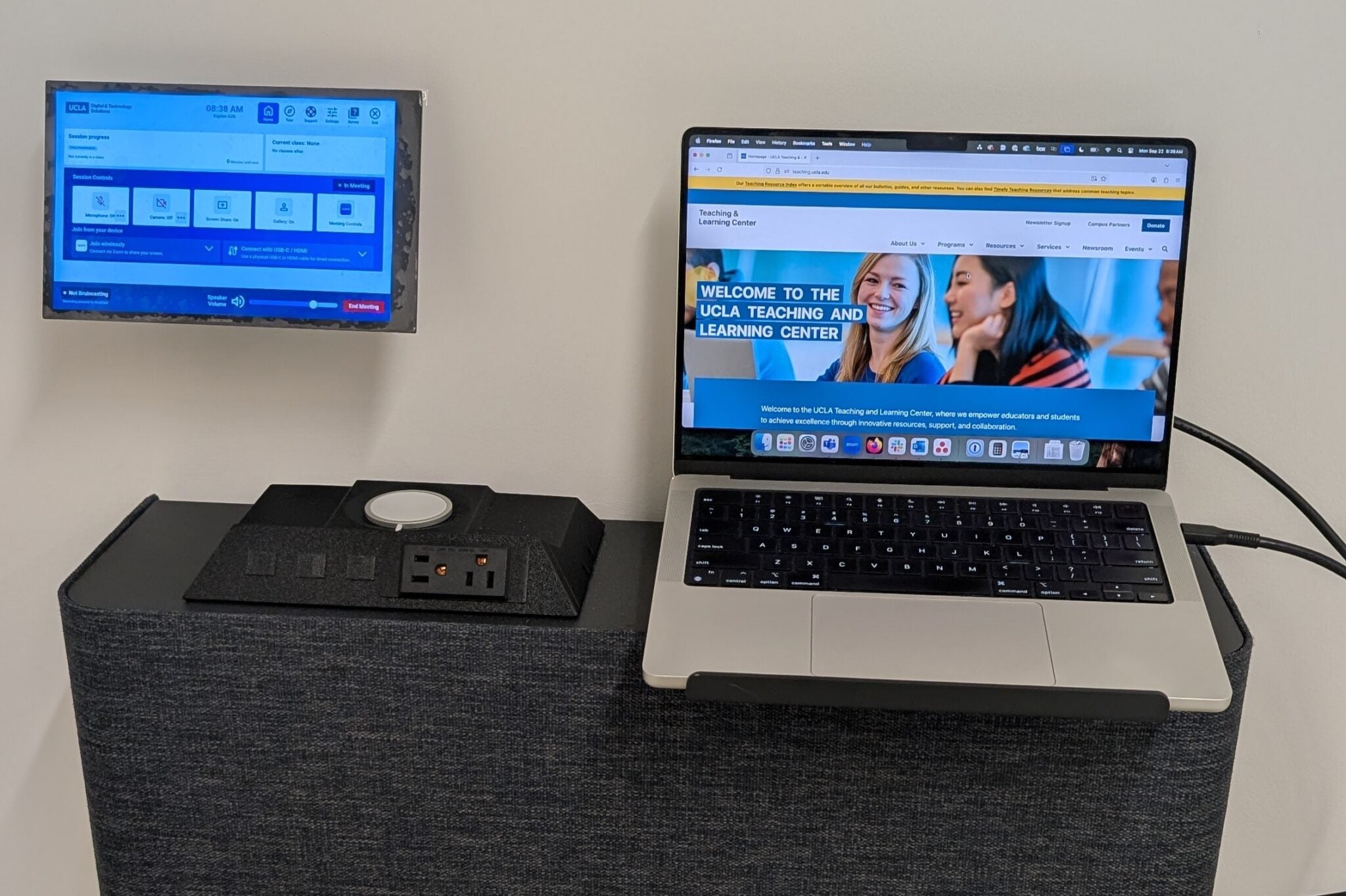
Tap the Touch Panel to control how you choose the room's projector display layout. The Touch Panel is where you perform your Zoom Meeting room controls, such as allowing Zoom participants to join, muting their mics or turning off their cameras, and ending the meeting.
Plug the provided USB-C connector into your device to project onto the room projectors. If your device does not have a working USB-C port, connect via the Zoom Room.
This credenza at the front of the room houses the equipment to project your device on the projectors. You can also plug in your device chargers or wirelessly charge small devices.
Plug the provided USB-C connector into your device to project onto the classroom projectors. If your device does not have a working USB-C port, connect via the Zoom Room.